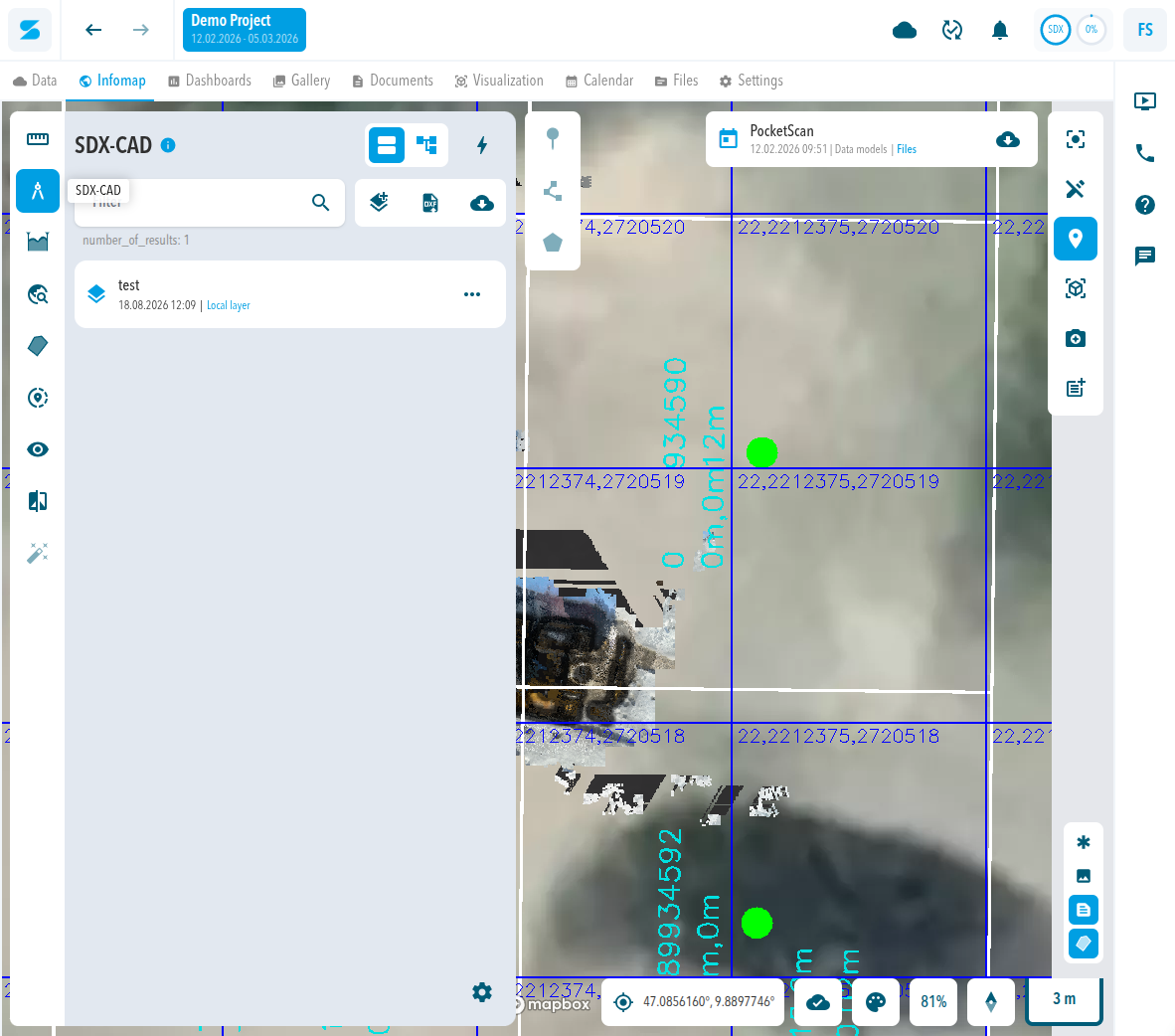
Layers organize your measurements. Changing the geometry of a measurement is different from changing its layer. In a resolved case support moved measurements once as an exception, and the customer was told this is not available for self-service.
Before you start
- You know which layers your project needs.
- You have read SDX-CAD.
Measure in the right layer
- Create or select the layer you need.
- Create the measurement while that layer is selected.
- Check the layer list to confirm that the measurement belongs to the layer.
Expected result
The measurement is in the intended layer and you do not need to move it.
Comments
0 comments
Please sign in to leave a comment.