Document defaults sets the Default document font for SDX-Docs. Until you change it, the dialog shows Using the organization default.
Before you start
- You can open Settings in your project or Organization Settings in SDX-Cloud.
Set the font
- Open Settings, then Document layouts. The same page is listed under Organization Settings, Settings.
- Click Document defaults.
- Open the Default document font list and choose Helvetica, Arial, Times New Roman, Georgia, or Verdana.
- Click Save.
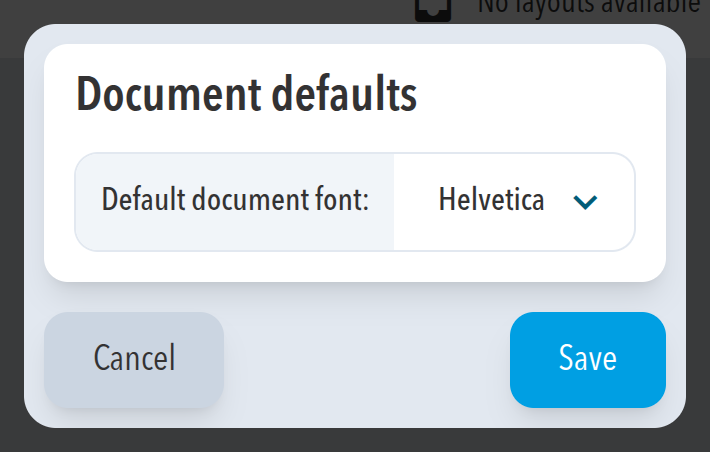
Expected result
The dialog shows the font you chose as the Default document font.
Comments
0 comments
Please sign in to leave a comment.