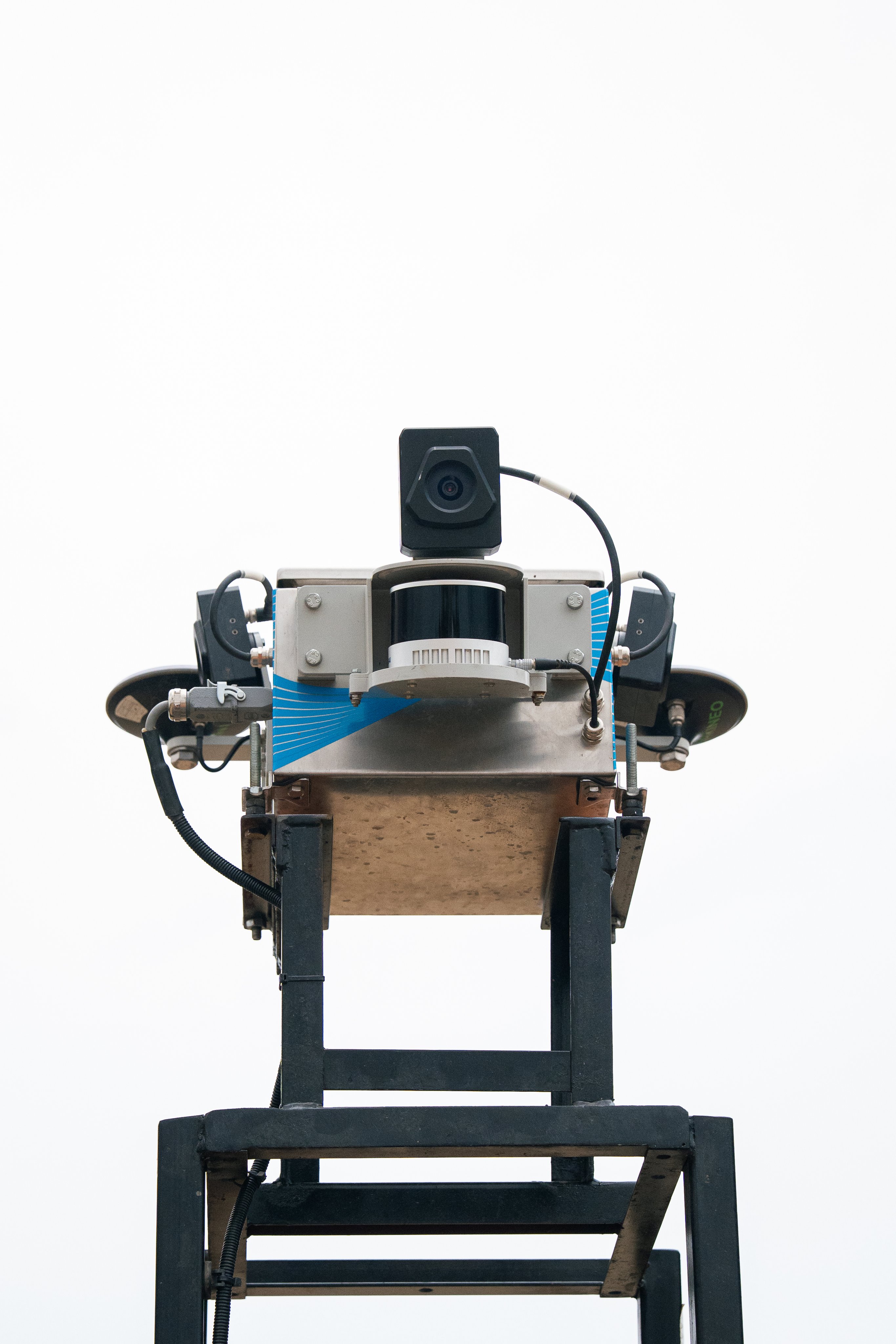
If you think a demo or early-generation SDX-Compact needs an update, collect the unit data and ask Sodex Support. For first-generation units that are largely phased out, Sodex can recommend a rebuild or upgrade instead of an update.
Before you start
- You know the serial number and what the unit is used for.
- You can read the SDX-Mate and framework versions as described in SDX-Cloud: How to get the latest version.
Ask for the right path
- Write down the serial number and the system subtype.
- Read the current SDX-Mate version and framework version.
- Describe the intended use, for example mobile mapping on a vehicle.
- Send the data to Sodex Support and ask whether an update, a rebuild, or a replacement applies.
- If a remote session is agreed, prepare the unit and the network as Support asks.
- After the change, check the versions again and run a test scan.
Expected result
You have a clear answer: a supported update, or a rebuild or upgrade, and the unit works after the change.
Comments
0 comments
Please sign in to leave a comment.