These are the basics of the SDX-Mate: check which versions are installed, change the language, units and theme, choose a system profile, and select a project. Most sections include an interactive demo.
Check current SDX-Mate and SDX-Framework version
Use this to quickly verify which SDX-Mate and SDX-Framework versions are currently installed. Both version numbers are shown at the top of Settings.
Configure language and unit system
Change the SDX-Mate language and choose your preferred unit system. In Settings, use Language to choose Deutsch or English, and Unit system to choose Meters, Feet or Survey Feet.
Toggle dark and light mode
Switch between dark mode and light mode depending on your environment and preference. In Settings, use Theme to switch.
Set a system profile
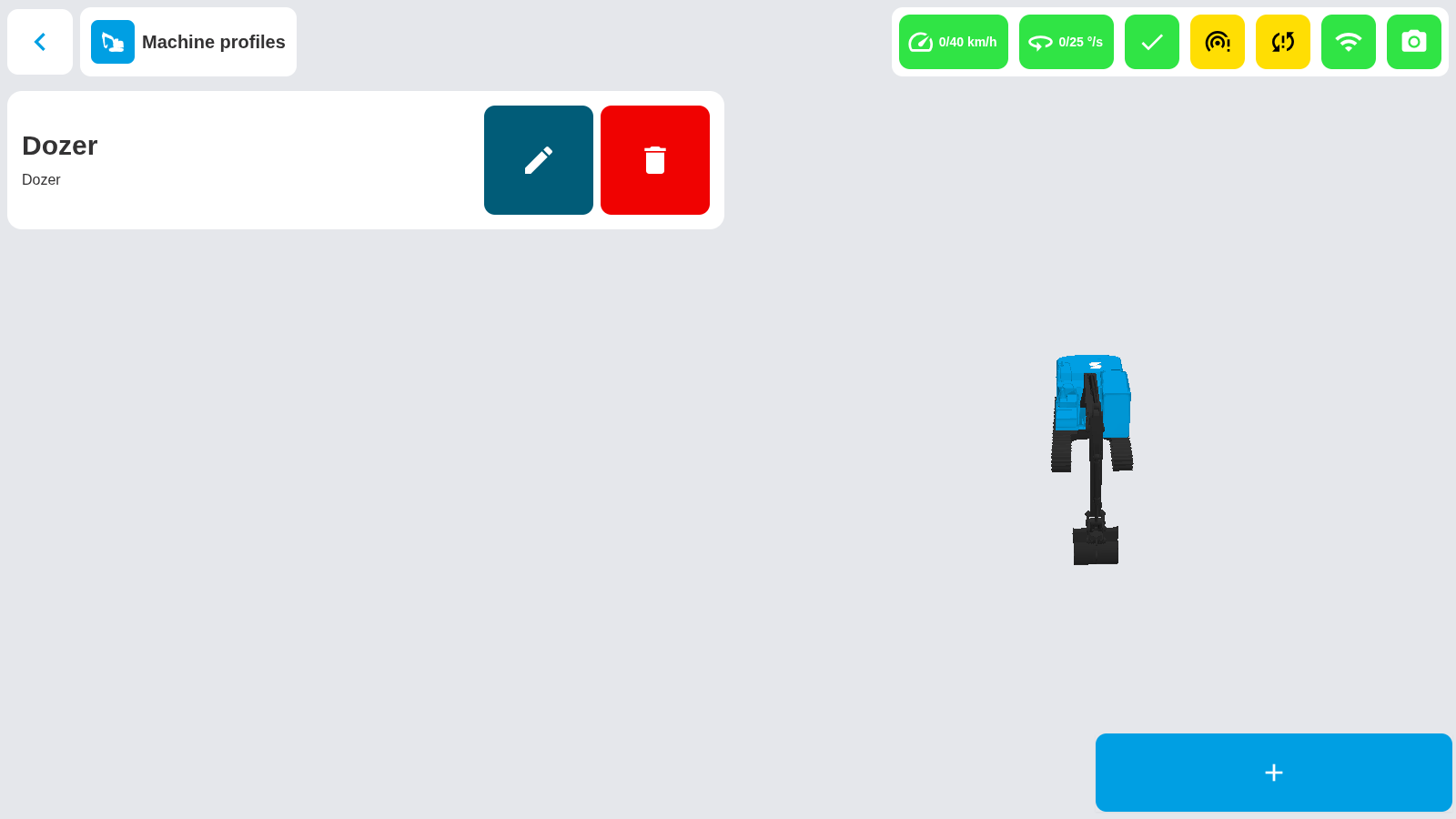
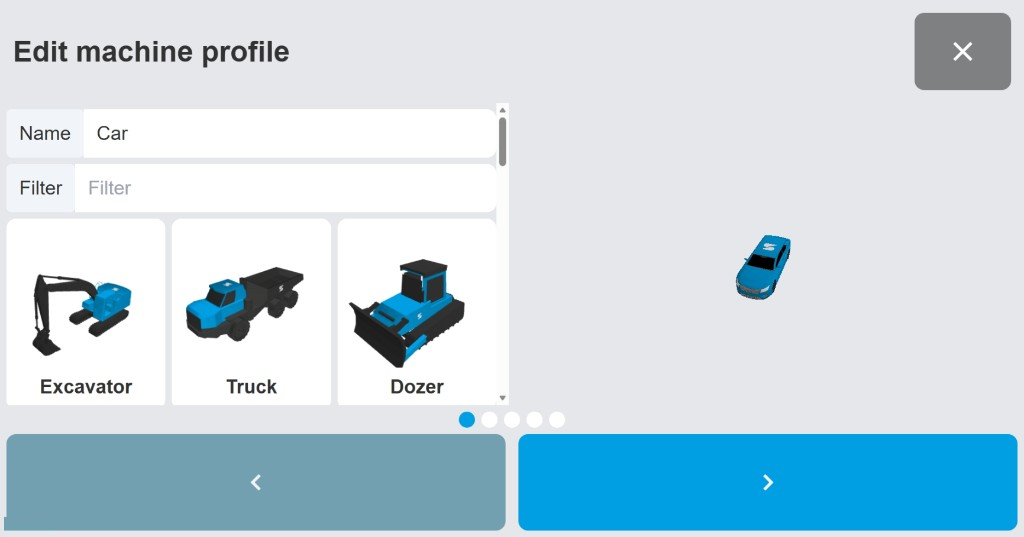
Select the system profile that matches your Sodex system variant and setup.
Select a project
Choose the correct project to begin working, scanning, or running diagnostics.
Comments
0 comments
Please sign in to leave a comment.